Daily Self-Knowledge

InnerMap

内図

Reflect. Notice patterns. Find clarity. A daily practice built on five ancient and modern systems.

Open InnerMap →

↓   Scroll to learn more

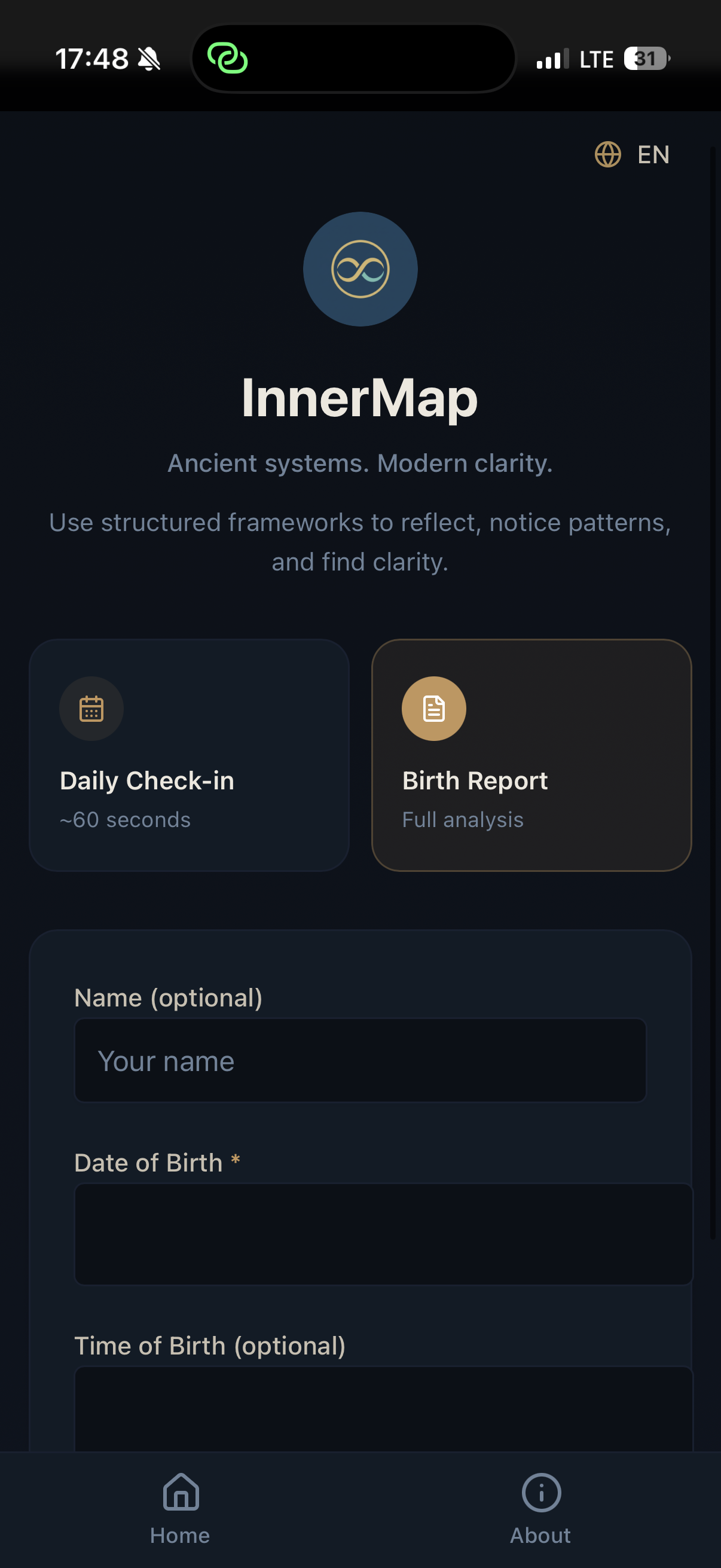
InnerMap — home screen
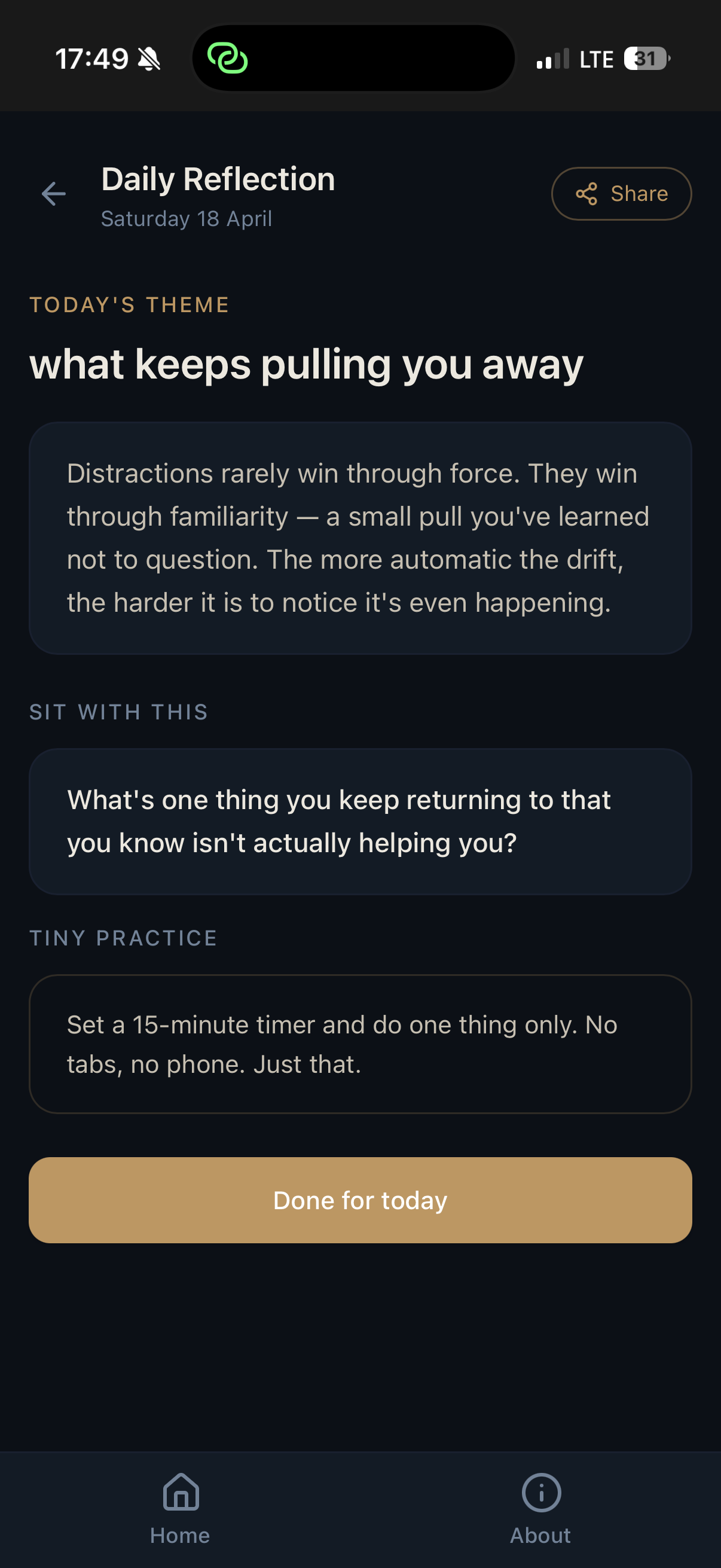
InnerMap — daily reflection
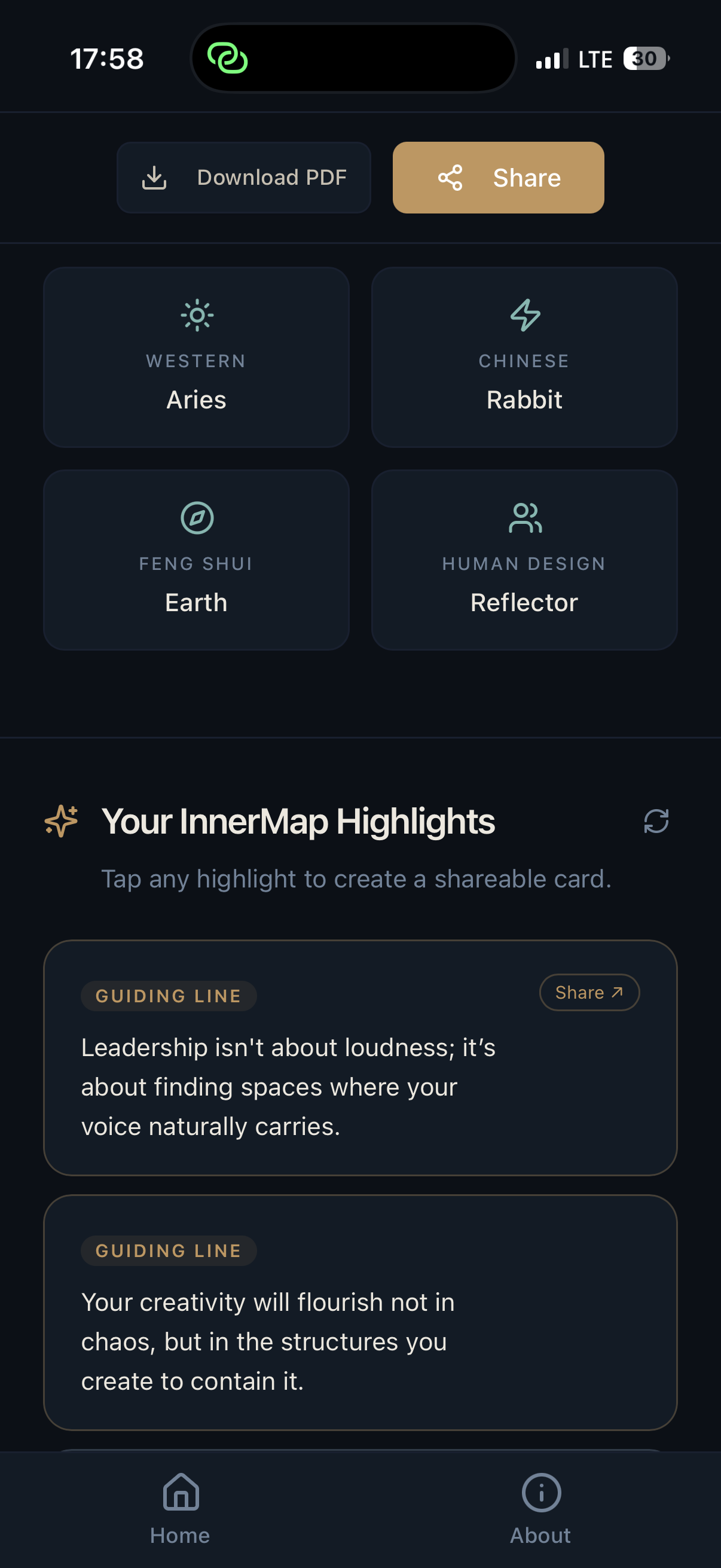
InnerMap — birth report results

Two ways in.

A 60-second daily reflection to log where you are. Or a full birth report built on five systems — cross-referenced to give you actual language for what you already sense.

Daily Check-in — ~60 seconds
Birth Report — Western · Chinese · Feng Shui · Human Design · Gene Keys
Shareable cards. Download PDF.
Chinese Astrology
Western Astrology
Feng Shui
Human Design
Gene Keys

How it works

01

Reflect

A daily check-in — clarity, energy, mood. A few questions that surface what's actually going on, without needing to know why yet.

02

Notice

Your patterns repeat. InnerMap tracks them across time so you can see what's recurring, what's shifting, and what's driving it.

03

Understand

Five systems offer context for your experience — not predictions, not prescriptions. A different lens on what you already know about yourself.

What this is

InnerMap isn't a personality quiz or a horoscope feed. It's a daily practice — a few minutes to log where you are, and over time, see where you've been. The five systems underneath (Chinese astrology, Western astrology, Feng Shui, Human Design, Gene Keys) aren't there to tell you what to do. They're there to offer language for what you already sense.

Save to your phone

Use it like an app.

InnerMap runs in your browser — no app store, no download. Add it to your iPhone home screen in four taps and it opens full-screen, just like a native app.

01

🧭

Open in Safari

Open this page on your iPhone in Safari or Chrome. Both work on iOS.

02

Tap Share

Tap the share icon at the bottom of Safari — the box with an arrow pointing up.

03

Add to Home Screen

Scroll down in the share sheet and tap "Add to Home Screen". Give it a name or leave it as InnerMap.

04

Tap Add

Tap Add in the top right. InnerMap appears on your home screen with its own icon — opens full-screen, no browser UI.

InnerMap

This is what lands on your home screen.

Works on iPhone and iPad (Safari or Chrome) · Android: open in Chrome → menu → "Add to Home Screen"

Start mapping yourself.

Free to use. Just open it and begin.

Open InnerMap →